
Every server needs a king.
KingPenguin stops raids, runs your support tickets, levels up your members and posts your feeds. You set it all up here, with the channels and roles your server already has.
Running on 20+ servers with 75k+ members.
Discord login only tells us who you are and which servers you manage.
-
KingPenguinBot
-
-
KingPenguinBot
sneax2408 reached level 20 and earned @Igloo Regular.
-
-
KingPenguinBot
@Game Night Game night starts in 30 minutes. Grab a snack and join the Lounge voice channel.
-
@sneax2408 ⏰ Reminder (I could not send you a DM) Bring the snacks for game night.
-
KingPenguinBot
@Game Night
-
KingPenguinBot
⭐ 7 | #general
-
KingPenguinBot
-
KingPenguinBot
-
⭐ Star of the week | Hall of Fame
-
Inside the dashboard
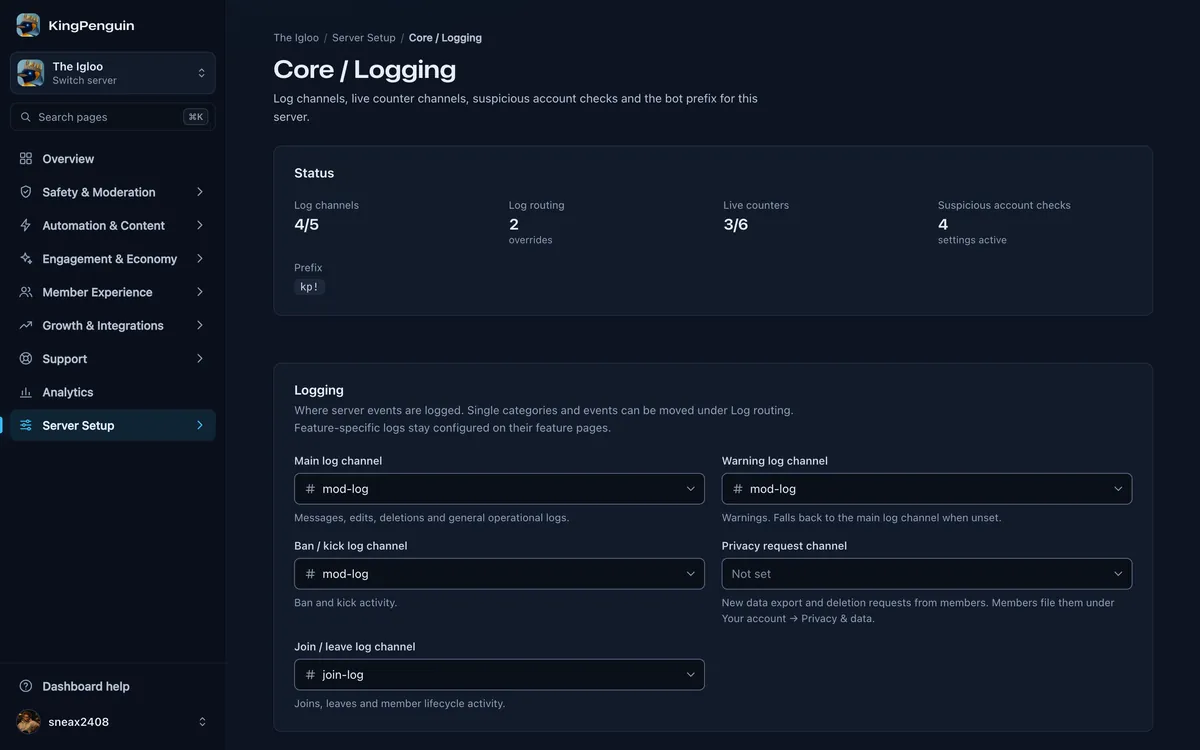
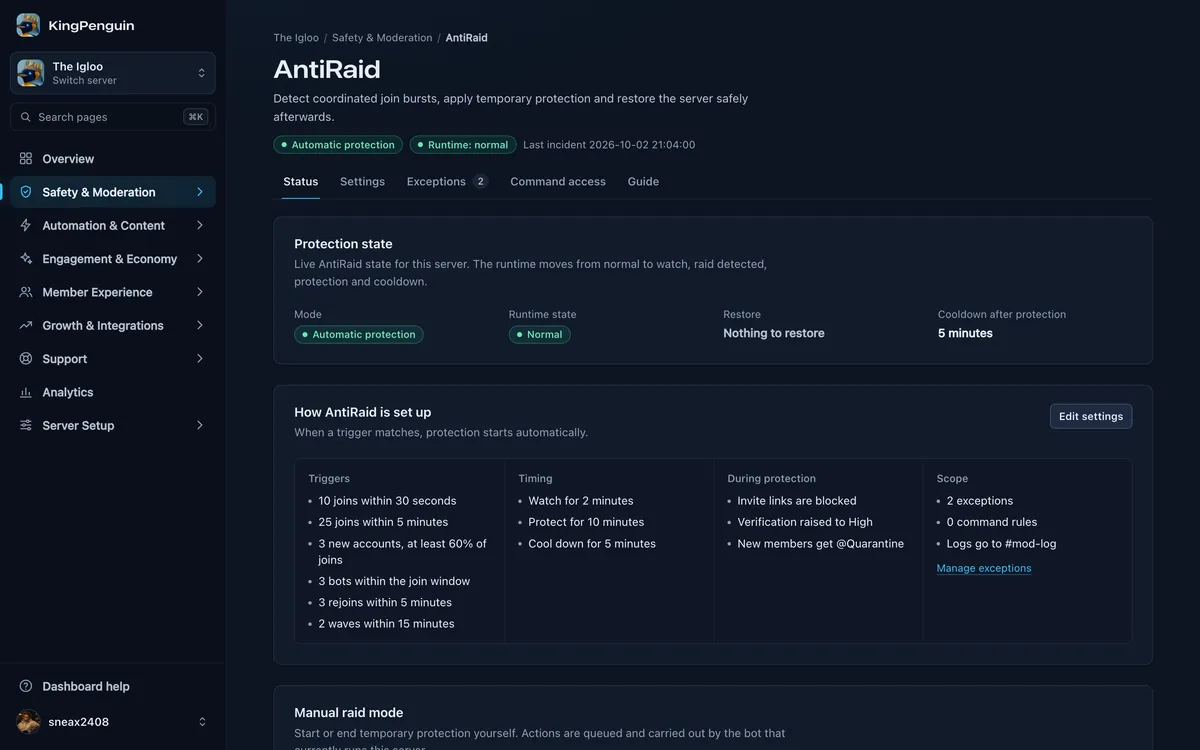
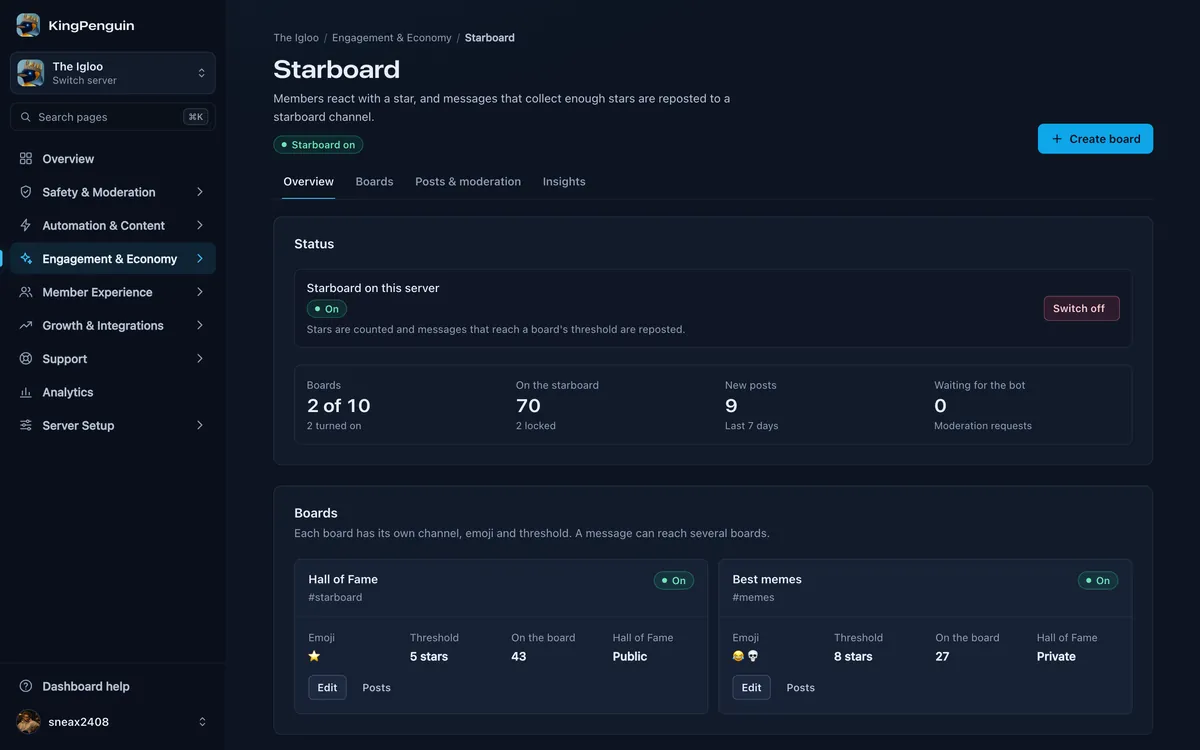
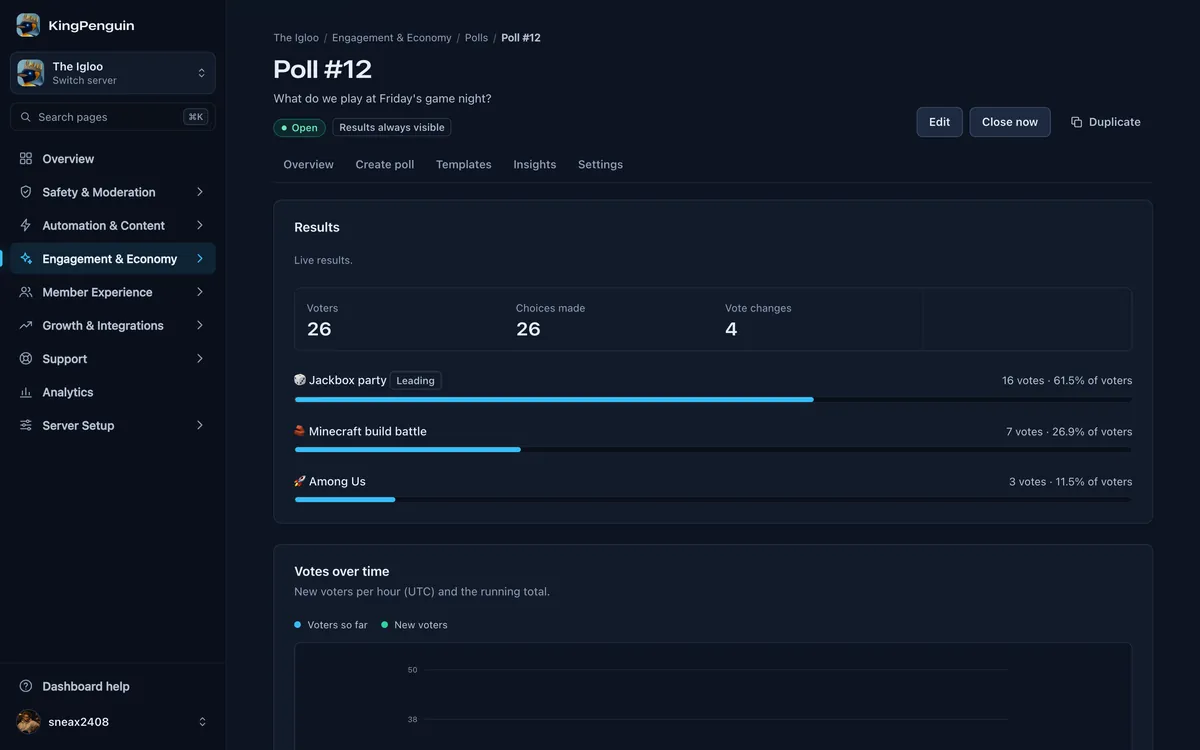
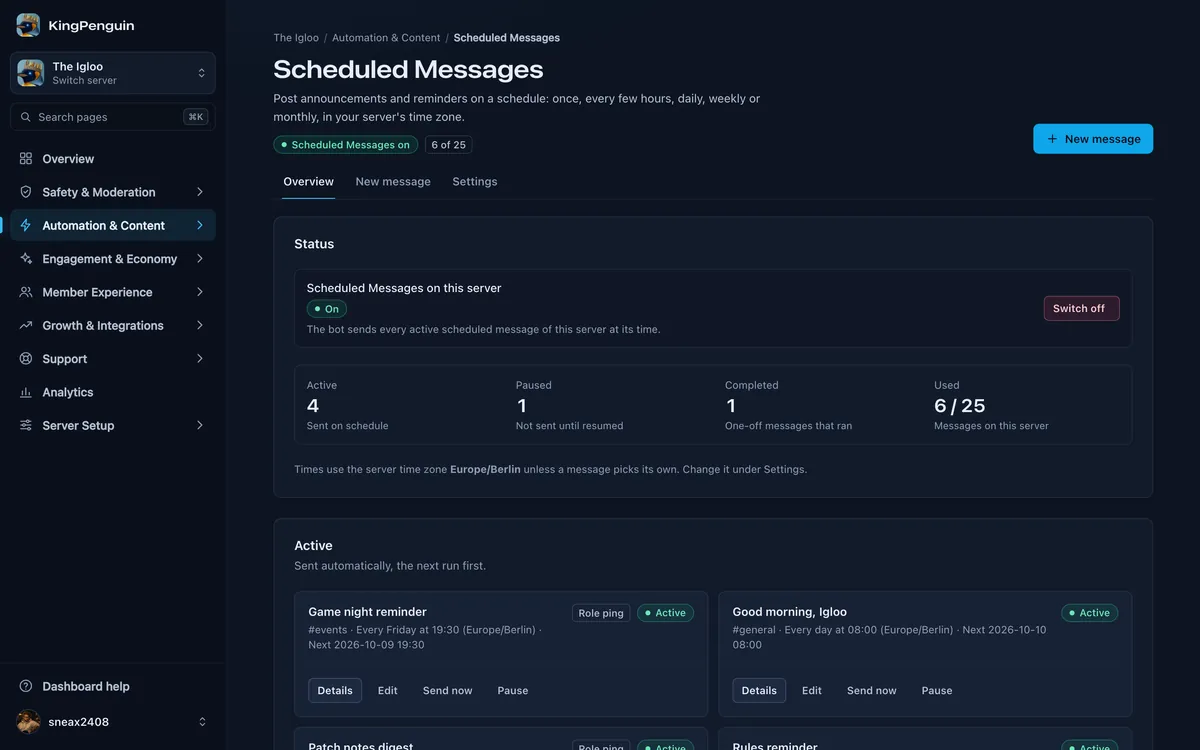
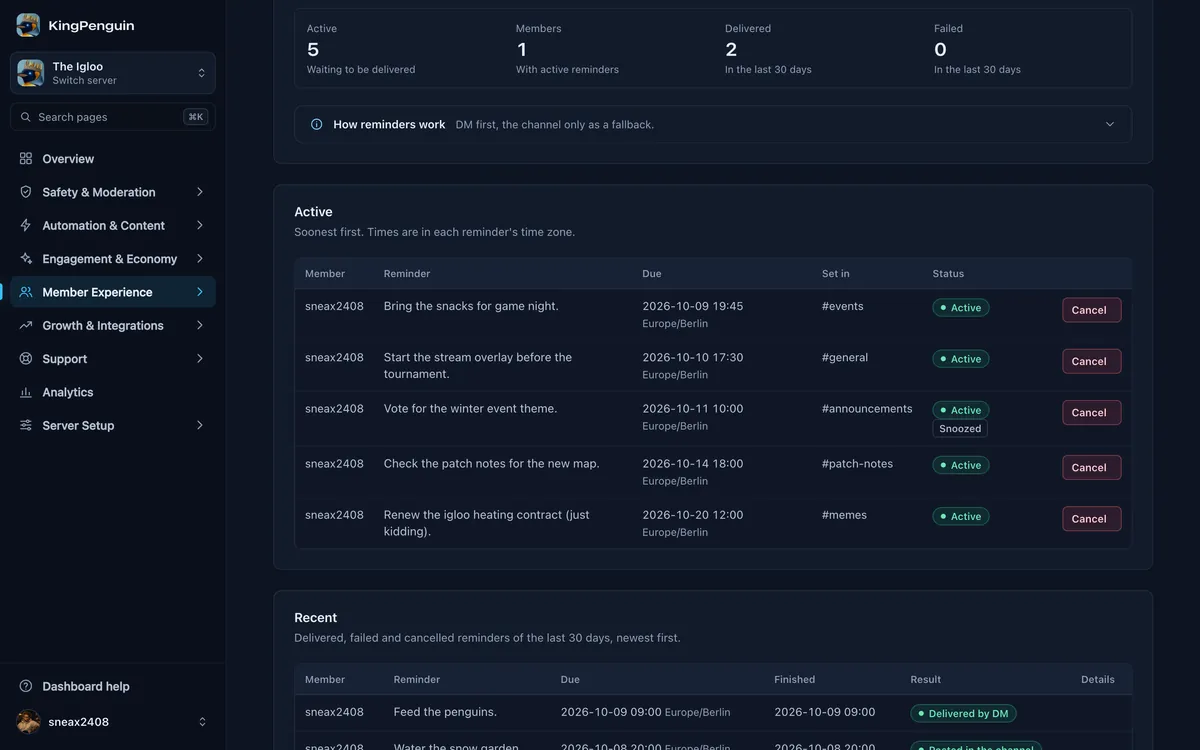
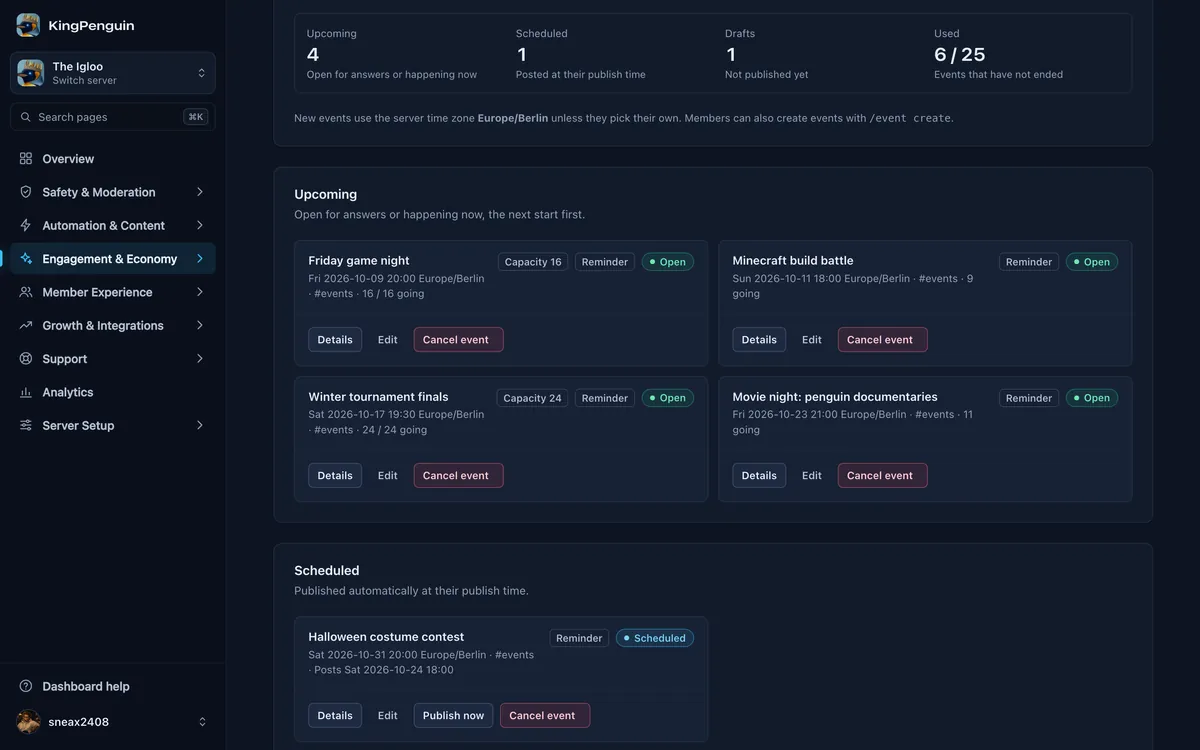
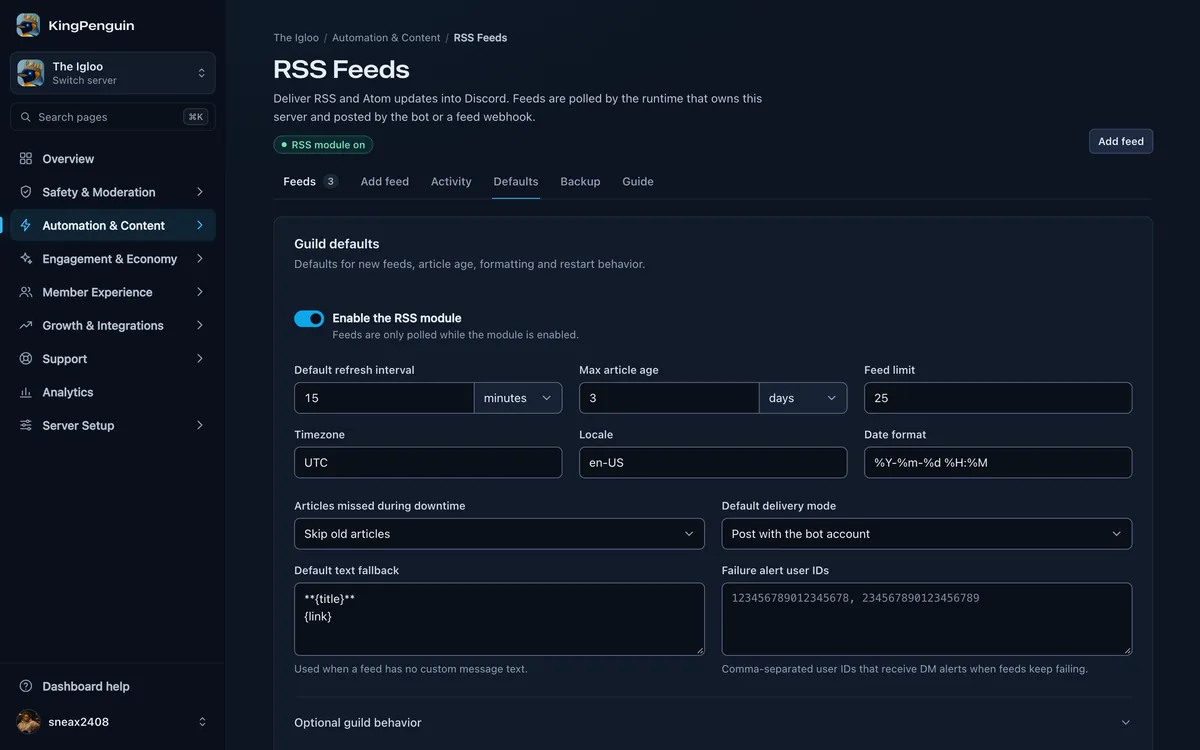
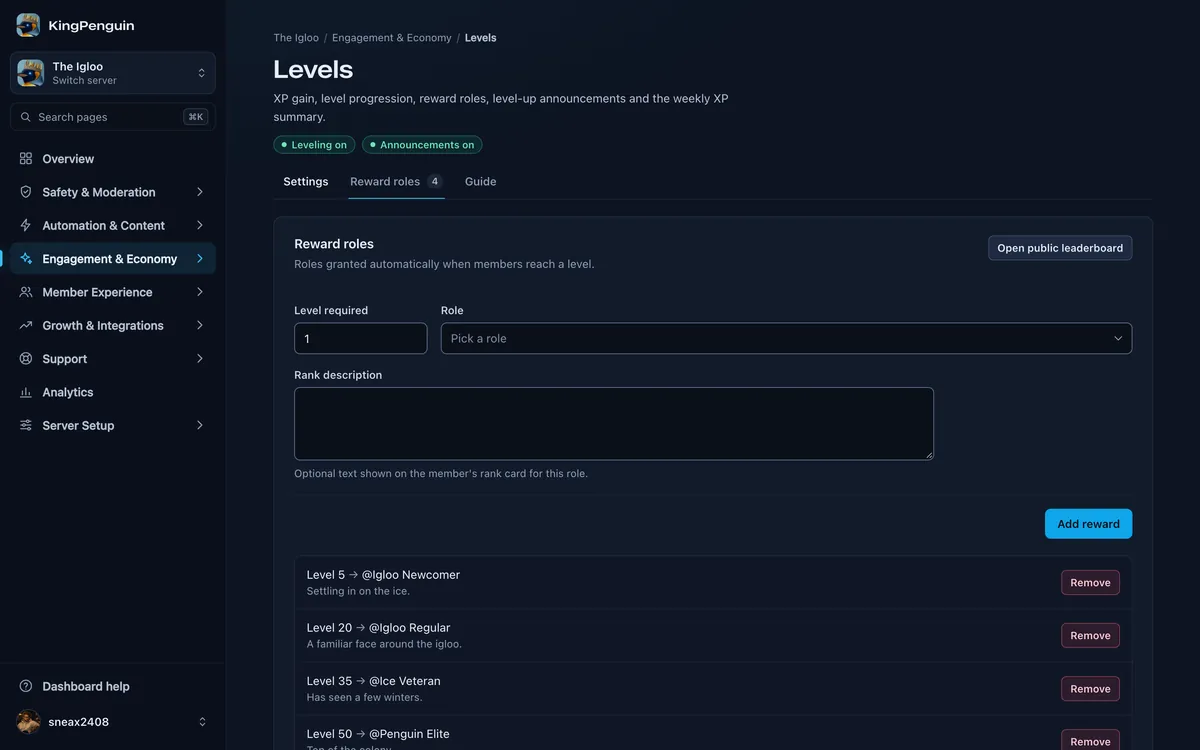
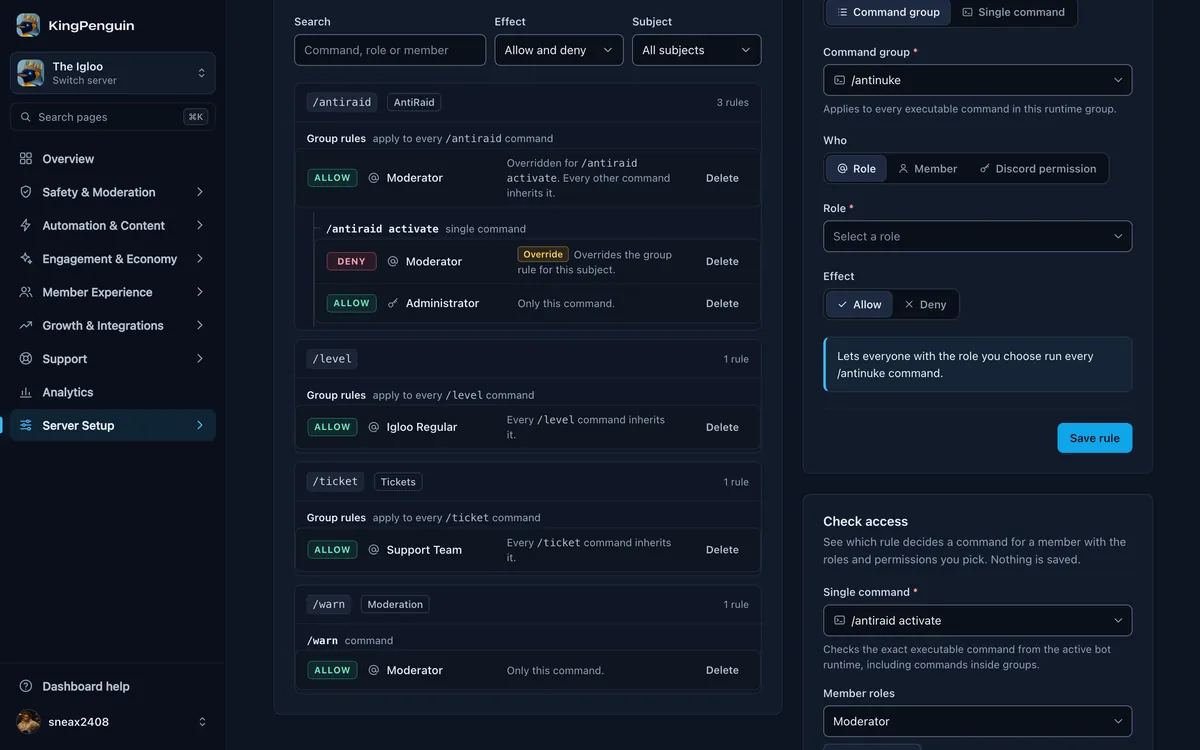
One bot, every job
Turn on the parts you need and leave the rest off. Every module is set up per server, with your own channels and roles.
Keep raiders and rogue staff out
- Moderation with a paper trail Warnings, timeouts and bans, each one logged where you choose.
- AntiRaid Locks the server down on its own when a join burst hits.
- AntiNuke Quarantines staff or bots that start deleting channels and roles.
- Server backups Restore roles, channels and permissions, or rebuild the server elsewhere with a backup code.
Answer members without losing track
- Support tickets Panels, ticket types, claiming, SLA reminders and transcripts.
- One inbox for your team Every open ticket in one list, so nothing slips through.
Give people a reason to stay
- Levels and rewards XP, reward roles and achievements to unlock.
- Economy and games A server currency with a shop, giveaways, slots, poker and lotteries.
- Voice Text-to-speech in voice channels, and voice rooms that close once empty.
- Starboard and polls Repost the most starred messages and run polls with live results.
Let the server run itself
- Automations and triggers React to server events, keep roles in sync and answer keywords.
- RSS and stream alerts RSS and Atom posts, plus Twitch and YouTube go-live alerts.
- Embed builder Welcome messages, announcements and panels with a live preview.
Make it your own
- Your own custom bot Your bot name and avatar, managed from the same dashboard.
Put a penguin in charge
Add the bot, log in with Discord and pick a server you manage. Everything on this page is set up from there.
Privacy Policy and Terms of Service: /privacy and /terms in Discord. Export or delete your data under Account, Privacy & data after logging in.